iPhone Action Button
Fish on?
Press once.
Set your iPhone's Action Button to FishBytes. The moment a fish hits, press it: the spot and time are saved right then. Fight it with both hands; your phone comes out once the fish is landed or lost.
Why use it
Eyes stay on the fish
Rod bent, line peeling. It's a real button, so you can find it by feel, even with wet hands or gloves, and never look away from the fight.
The spot is exact
The spot and time are saved the instant you press: where the fish hit, not wherever you remember to log it after the release.
Every fight is timed
A fight timer starts with the press, so you know how long that one took you.
The ones that got away count
Pulled the hook? The bite still goes in your log, spot and all, so you know where they were hitting.
Nothing to buy or pair
It's a button your iPhone already has. No extra batteries or tiny object to lose.
Set it up once
On iPhone 15 Pro and newer, including every iPhone 16 and 17. You need FishBytes installed first so it shows up in the list.
- 1
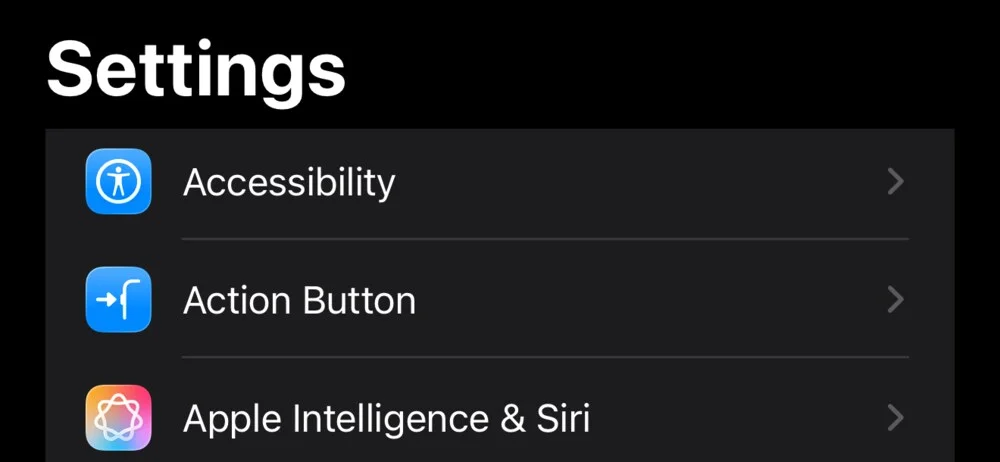
Open your iPhone's Settings app and tap Action Button.
- 2
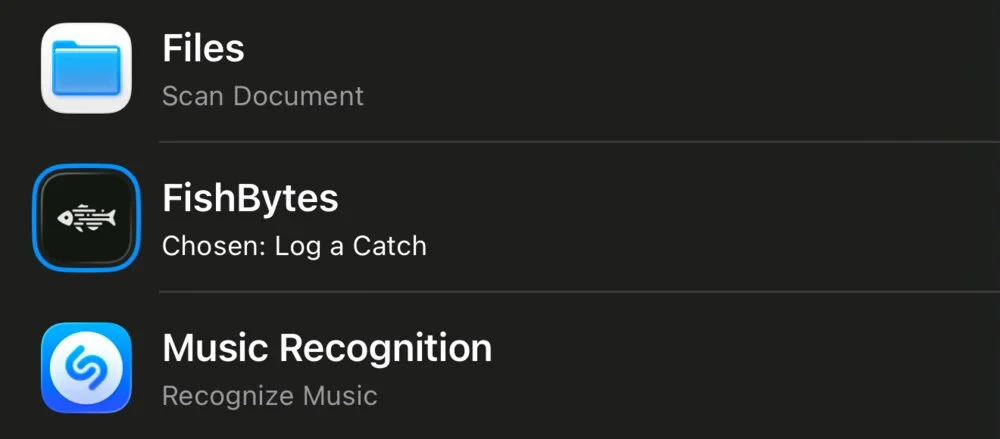
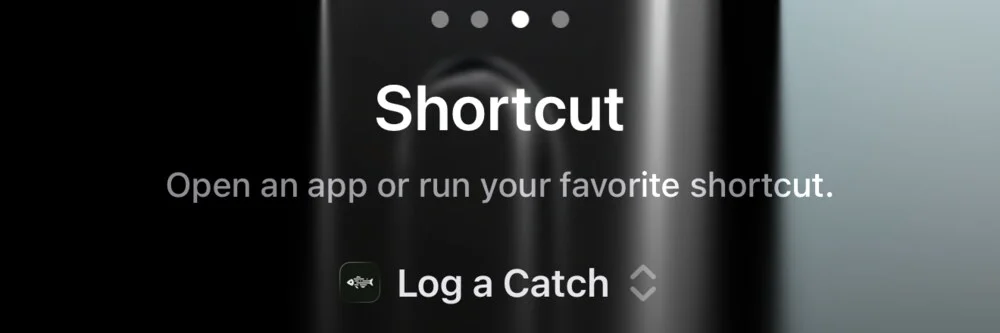
Swipe to Shortcut and tap Choose a Shortcut. Pick FishBytes, then Log a Catch.
- 3
It reads Log a Catch when it's set. That's the whole setup.
On the water
Fish on
Press the Action Button. The spot and time are saved right then.
Fight it
Phone down, both hands on the rod. The timer runs on its own.
Landed
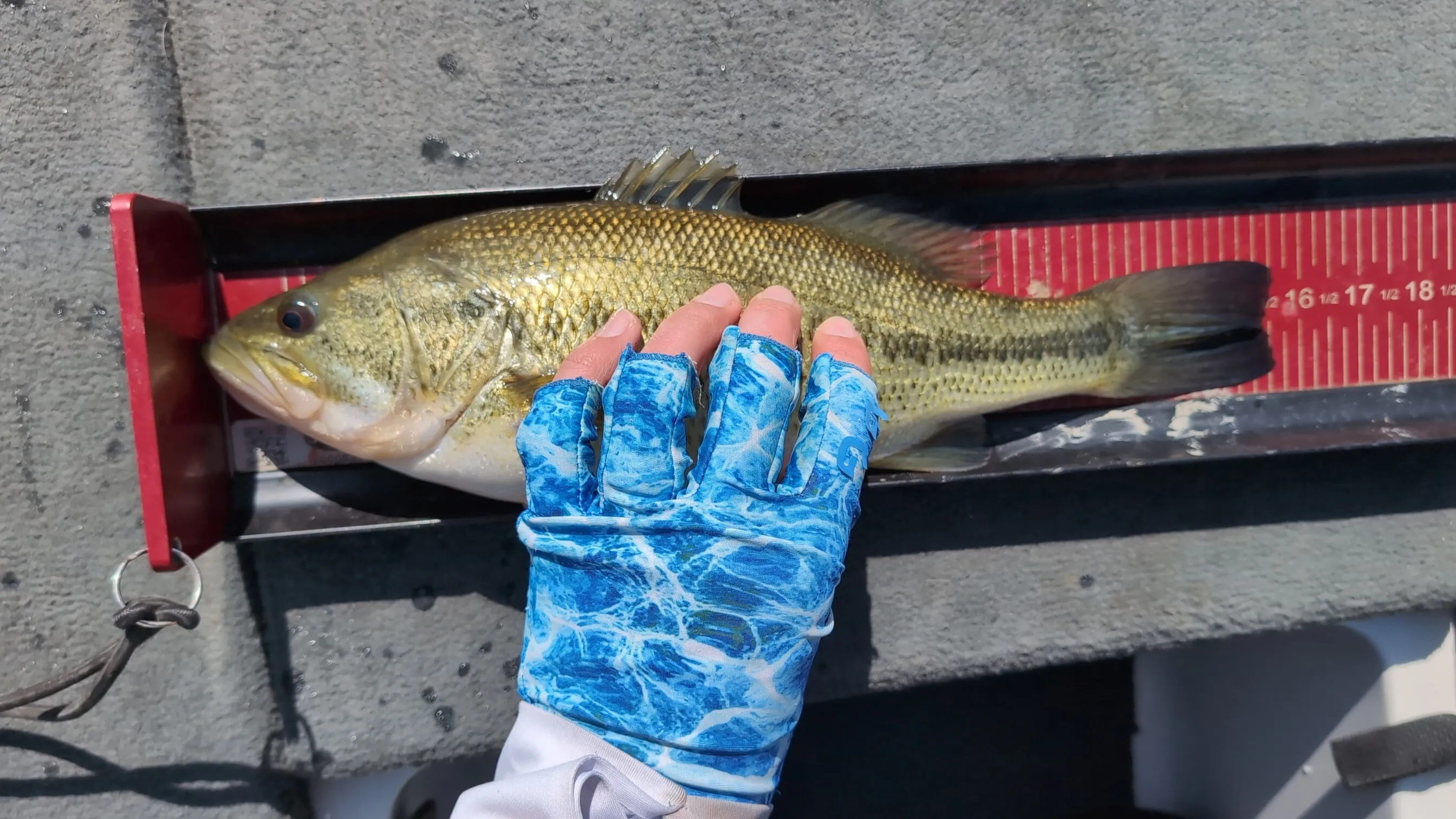
Now take your phone out. Snap a photo and FishBytes suggests the species. Add the length and details now or later.
Lost it
Hold Lost it in the app, or tap Lost Catch on the notification. It goes in your log as a lost fish, with its spot and how long you had it on.
Either way, you're back to fishing.
Works from the lock screen. On iOS 26 the spot and time are saved before you even unlock.
No trip recording yet? FishBytes offers to start one.
Phone down. Fish on.